
Configure the CRM around your real process
Define lifecycle stages, layouts, role permissions, deal pipelines, custom modules and mandatory fields. Align the design with sales, operations and management before automating.
Zoho CRM · sales operations · Deluge automation
Build a clear pipeline from enquiry to conversion, with the fields, validations, automations and integrations your team actually needs. Zoho CRM is one part of your connected business system—not an isolated database.
Discuss your requirement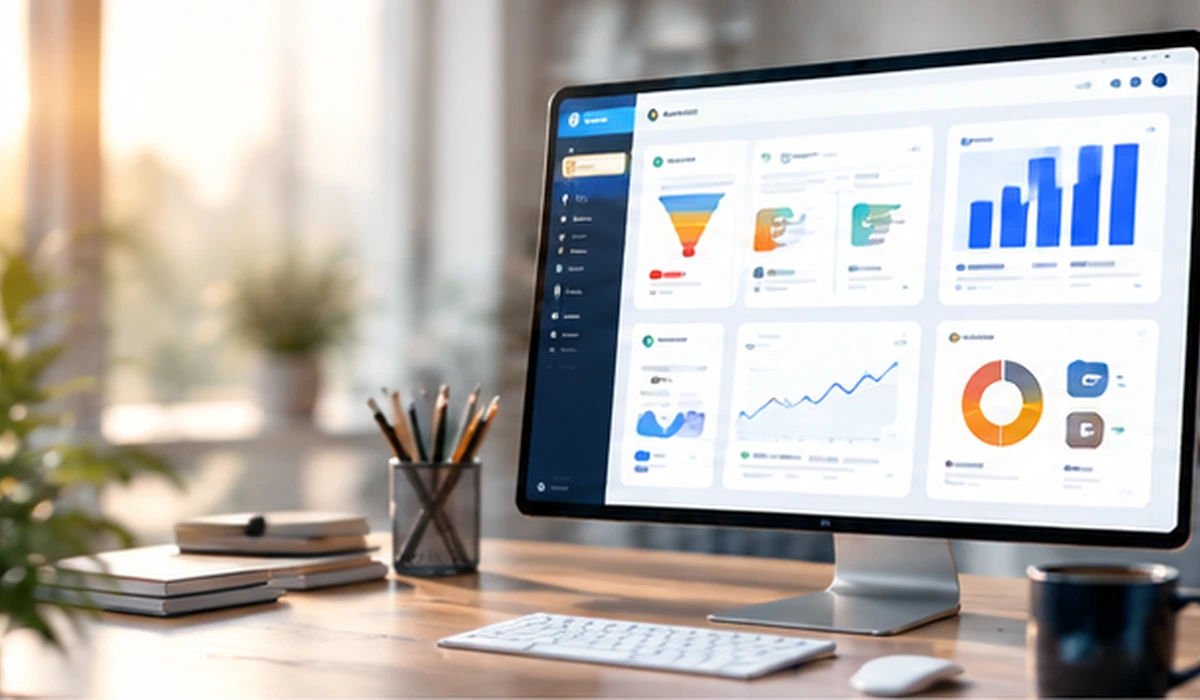
How we help
Define lifecycle stages, layouts, role permissions, deal pipelines, custom modules and mandatory fields. Align the design with sales, operations and management before automating.
Use Deluge functions, workflows, approval processes, Blueprints, schedules and Client Script for data quality and timely actions. Consider execution limits, ownership and safe failure handling.
Integrate CRM with Creator, Books, Inventory, Desk, Campaigns, Analytics and external systems through supported APIs, Zoho Flow and webhooks. Plan record IDs, ownership, duplicate prevention and retry behavior.
Create sales dashboards for pipeline value, conversion stages, lead sources, activity completion and follow-up aging. Confirm definitions and access controls before reporting numbers to managers.
Delivery process
The implementation plan, timescale and product requirements depend on your current systems and the scope agreed before work begins.
Common questions
Yes. Projects can include custom fields, layouts, modules, workflows, Blueprints, Deluge functions and supported Client Script capabilities, based on edition and requirements.
Yes. The approach depends on whether records are shared, who owns each record, and how errors, rate limits and duplicates are handled.
Migration planning can include field mapping, deduplication, user ownership, sample imports, validation and cutover testing.
Talk with Thousand Flow
Share the process you want to improve and which systems you already use. We'll help clarify a practical next step.